Power Platform in practice
Our work
Examples from real Power Platform projects.
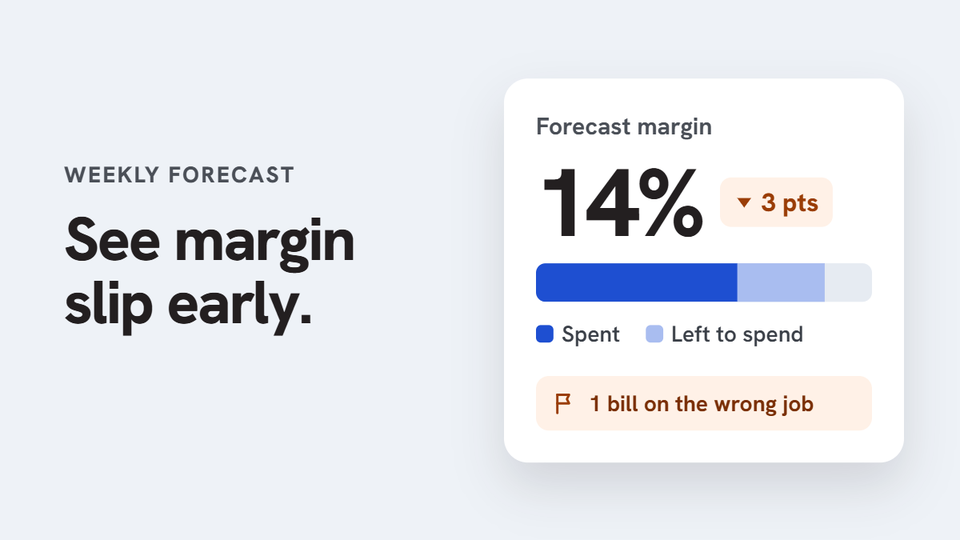
Solar installer running weekly project cost forecasts
Job costs and forecasts in one weekly flow
Every week, project managers exported job costs from ServiceM8 into a spreadsheet. They then added their own estimate of what was left to spend on each project and uploaded the file for the office to review. ServiceM8 recorded what had been spent, but not what each project would cost by the end. So forecasting was manual, repeated every week, and margin problems often showed up too late to fix.
What we built
A weekly forecasting app built with Power Apps, Power Automate and SharePoint, connected to ServiceM8 as read-only. Automatic data: labour, panels, inverters, purchase orders and supplier bills come in from ServiceM8. What PMs enter: only the remaining cost for each category. The app calculates the forecast final cost and margin against the original quote. Mismatch flags: costs that don’t add up are flagged for review, such as a bill posted to the wrong job. Weekly report: submitting a forecast generates the report and saves that week’s spreadsheet to the project’s SharePoint folder, so the team keeps the files they’re used to. On site: site leads log expenses with a receipt photo and update installation progress from their phones.
-
 Power Apps
-
 Power Automate
-
 SharePoint
-
 Dataverse
-
 Azure
Azure
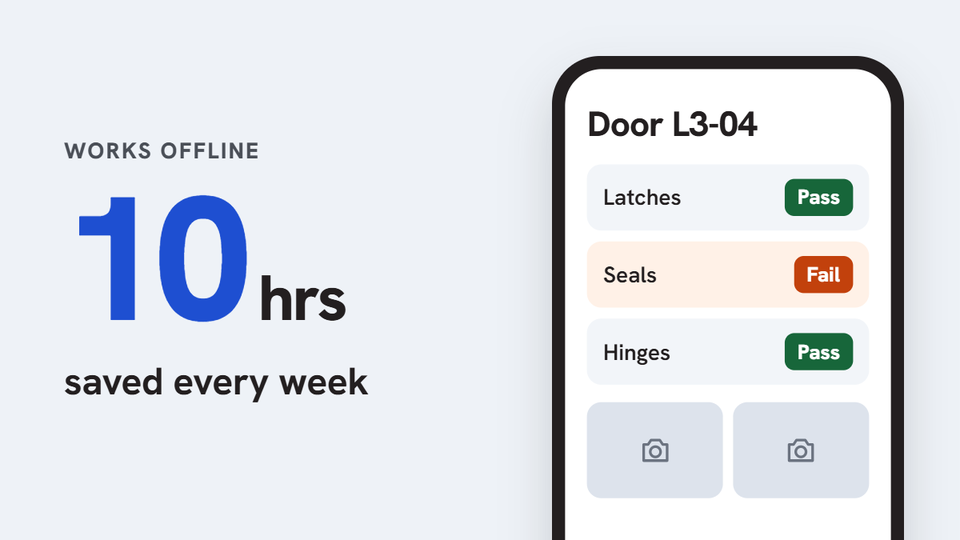
Organization that inspects and maintains doors across several sites
Door inspections that work offline
Assigning inspections, capturing findings, keeping evidence in order and tracking maintenance needed one consistent process in the field, and the signal on site was not always reliable.
What we built
A Power Apps mobile inspection app built on SharePoint Lists and standard connectors. Inspectors work through assigned inspection records and capture data offline, supervisors can see progress, maintenance is tracked, and Power Automate sends reminders and a weekly report.
Result: About 10 hours a week saved across 5 inspectors (around 480 hours a year), and the admin gets reports straight away. The app is live.
-
Power Apps
-
SharePoint
-
Power Automate
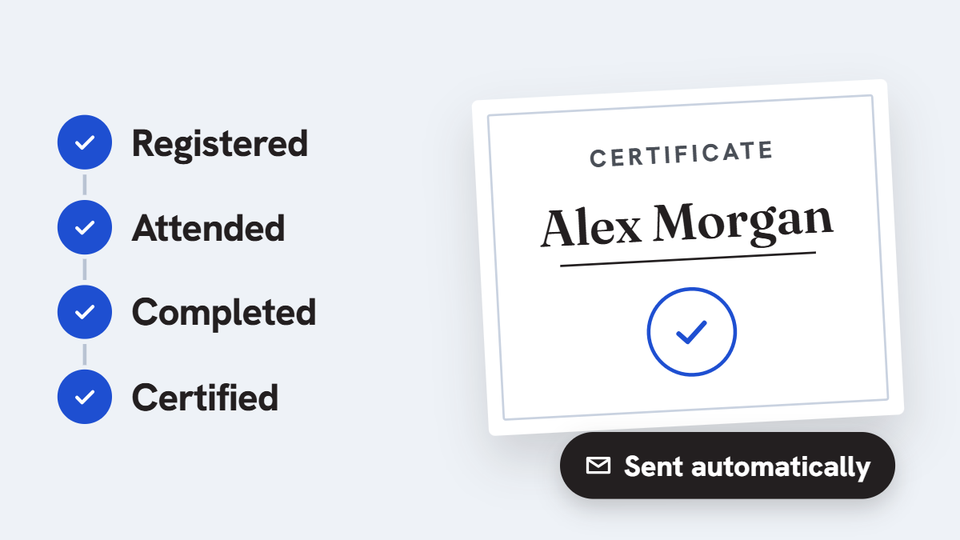
Training provider running recurring certification programs
Participant tracking and certificates in one flow
Registration, attendance, completion checks and certificate preparation sat in separate records, with a lot of repeated admin follow-up.
What we built
A workflow covering registration, enrollment, attendance, completion status, certificate creation and sending, and reporting, built with Power Apps, SharePoint and Power Automate.
-
Power Apps
-
SharePoint
-
Power Automate
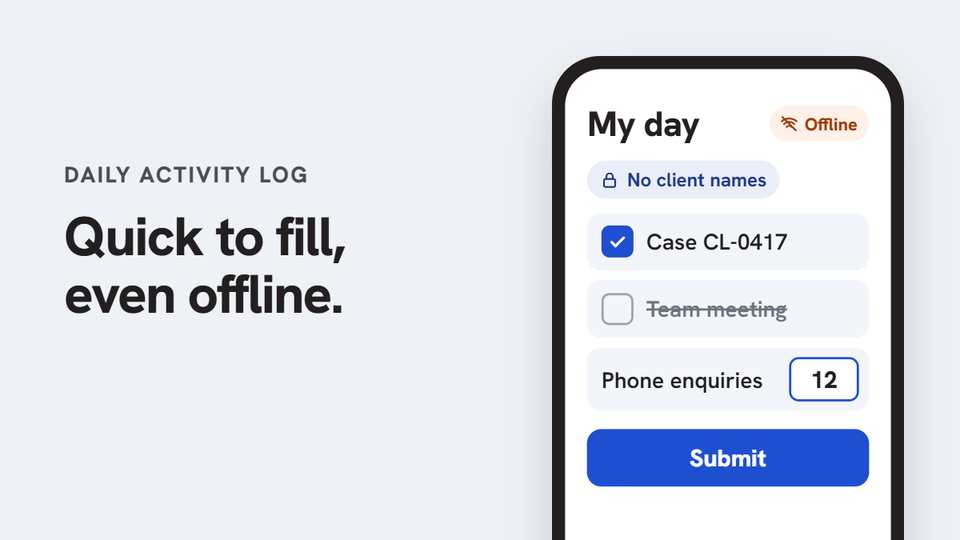
Health and community services organization
Daily activity logs without the paper
Staff recorded their day on paper forms: hours, activities, client cases they worked on and front desk counts. The forms were then typed into spreadsheets by hand. Team leads chased missing logs, totals were added up manually every month, and finding a past record meant digging through paper files. Case details sat on paper, where they were hard to protect and easy to lose.
What we built
A daily activity log app built with Power Apps, SharePoint and Power Automate. Pre-filled: each staff member’s shift comes from their roster. Activities and case work are pre-ticked from their calendar and the case system, so staff only check their day, untick anything that didn’t happen, and submit. Works offline: staff can check and fill in their day without signal, and it is sent when they are back online. Two teams, one form: community liaison staff log the cases they worked on, and client services staff confirm counts such as phone and insurance register enquiries. Privacy: cases are recorded with pseudonymised references only, with no client names or health details, in line with GDPR. Team view: team leads see every submission in one place, and monthly totals are calculated automatically. Easy search: find any log in seconds by staff member, team, date range or case reference, instead of digging through paper files.
-
Power Apps
-
SharePoint
-
Power Automate
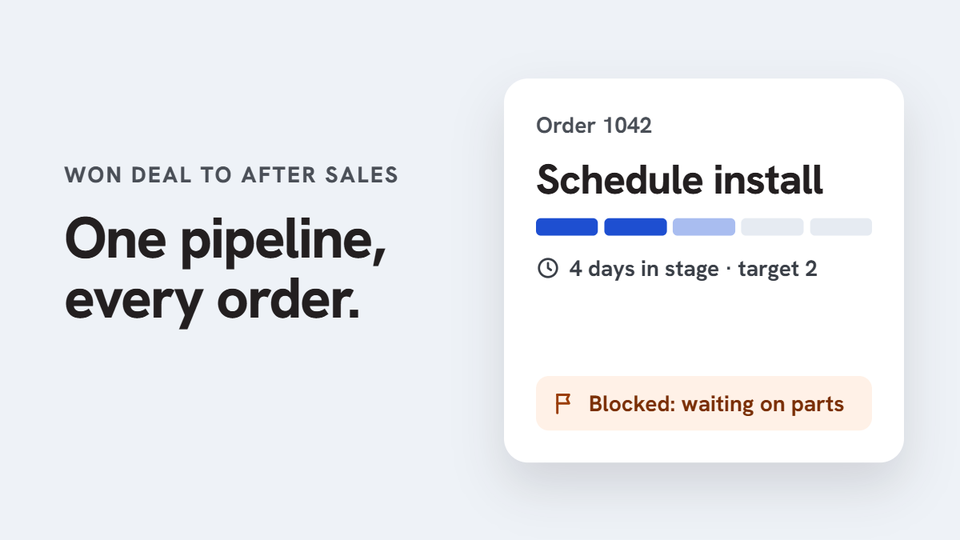
Equipment company tracking every order from CRM to after sales
One pipeline from won deal to after sales, across every department
Sales closed deals in Pipedrive, and then the trail went cold. Someone created each order number by hand, and operations, job management, accounting and service each kept their own list. Before invoicing, accounting checked every order against the CRM manually. Nobody could see where an order was stuck until a customer chased it.
What we built
An order pipeline built as a Power Apps canvas app on SharePoint, with Power Automate and Power BI, connected to Pipedrive. Automatic orders: when a deal is marked Won in Pipedrive, Power Automate creates the order with the customer and products already filled in. One shared pipeline: five stages, each owned by a department: order created, prepare, schedule install, invoice and after sales. Every order shows its next step, its owner and how long it has been in the stage against the target. Department checklists and handoffs: each team ticks its own checklist and hands the order to the next team, with every handoff recorded on the order’s timeline. No more manual CRM checks: the app checks each order against its Pipedrive deal automatically before accounting invoices it. Blocked orders flagged: stuck orders show the reason, such as waiting on parts, site not ready or missing PO, so they get unblocked instead of forgotten. Power BI reporting: pipeline value, time spent in each stage, orders won per week, and the orders running past target.
-
Power Apps
-
SharePoint
-
Power Automate
-
 Power BI
Client details are changed to protect their privacy.
Tell us where work gets held up.
Your first consultation is free. Book a time that suits you and tell us what you need.
Based in the Philippines, working with businesses at home and in Australia, New Zealand, Europe and the US.